
Rules of engagement · Written consent
Penetration Testing Authorization Form
Written permission to test websites, web apps, mobile apps, APIs and networks — scoped exactly, signed by both sides, and reviewed within one business day. Never run a pentest without it.
Websites·Web apps·iOS & Android·APIs·IP ranges
Why you need written authorization before a pentest
Professional security testing starts with paperwork, not tooling. Here is what a signed authorization actually does for you.
It's your legal safe harbor
Unauthorized access to computer systems is a felony under the Computer Fraud and Abuse Act and New York Penal Law §156 — even with good intentions. A signed authorization is the document that separates a licensed security engagement from a crime.
It keeps testing scoped
The form pins down exactly which websites, apps, APIs and IP ranges may be touched, when testing may happen, and which methods are approved. Anything not listed is out of bounds — in writing.
It keeps providers cooperative
Scans and probes trigger abuse complaints from ISPs, cloud hosts and CDNs. With a signed authorization on file — and our contact details on it — those complaints are resolved in hours, not days.
What the authorization captures
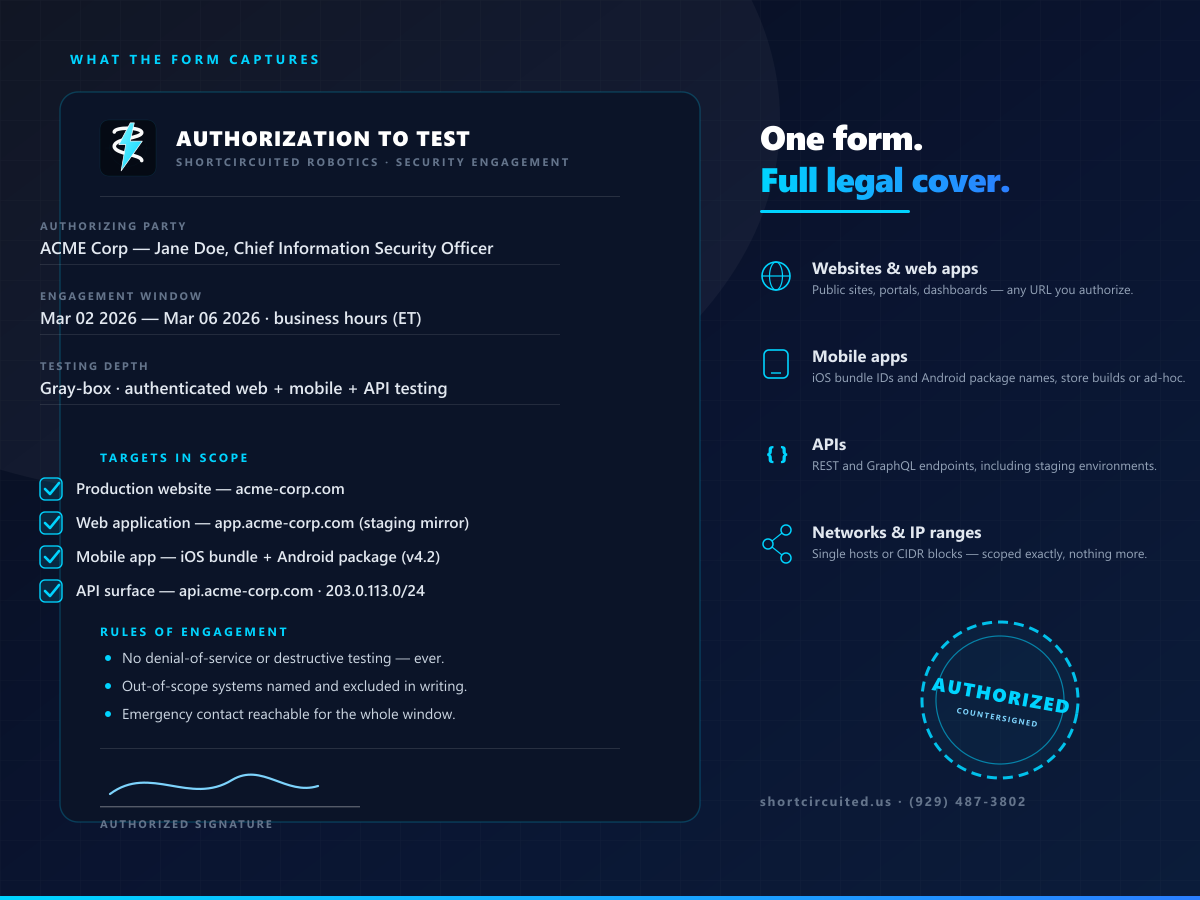
One form covers the whole rules-of-engagement conversation — from the websites and app addresses you authorize down to the hours testers may work. Everything is clamped, dated and signed.
- ✓Public websites and web applications — production or staging, your choice
- ✓Mobile apps by iOS bundle ID and Android package name (store or ad-hoc builds)
- ✓API surfaces — REST and GraphQL endpoints, including authenticated areas
- ✓Networks by host, IP list or CIDR range
- ✓Engagement window — start and end dates, allowed hours, timezone
- ✓Testing depth — black box, gray box or white box
- ✓Approved methods — scanning, exploitation, phishing simulations and more
- ✓Explicit exclusions, out-of-scope systems and emergency contacts
- ✓Electronic signature with date — the record both parties keep
From authorization to report — how the engagement runs
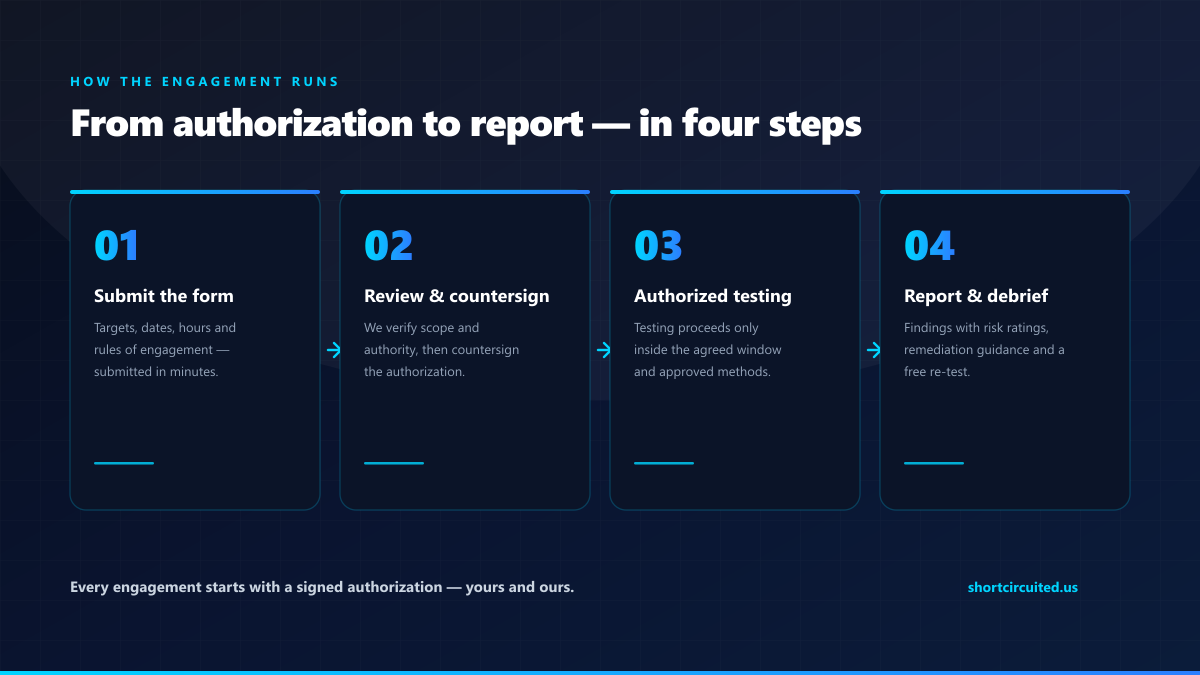
01
Submit the form
Targets, dates, hours and rules of engagement — five minutes, no legal background needed.
02
Review & countersign
We verify the scope and your authority, then countersign and return the signed authorization.
03
Authorized testing
Testing proceeds only inside the agreed window, using only the approved methods.
04
Report & debrief
You receive a findings report with risk ratings, remediation steps, and a walkthrough call.
Penetration testing authorization — FAQ
It is a written record of permission for security testing. It names the authorizing party, the exact targets (websites, web apps, mobile apps, APIs, IP ranges), the testing window, the approved methods, the exclusions, and it is signed by someone with authority over those systems. Our team also countersigns it, so both sides hold the same rules of engagement.
Ready to test — the right way?
Get the paperwork right and the rest is engineering. Submit the authorization and we'll countersign within one business day.
Go to the authorization form ↑