
Laptop Boardviews & Schematics
Every boardview on this site is drawn from the actual board file, not a photograph. Open a board, search a designator or a net name, and the viewer tells you where the part physically is, which side it sits on, and what every one of its pads connects to. The schematic is right underneath it.
Showing 72 of 72 boards
 AcerAcer Aspire E5-576 DAZAARMB6E0
 AcerAcer Nitro 5
 AcerAcer Nitro 5
 AcerAcer Nitro 5
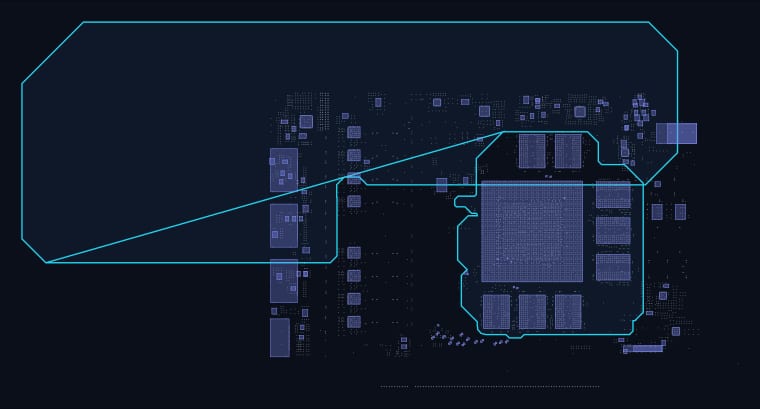 AsusAsus RTX3060TI-8G MINI CG190P R1.00
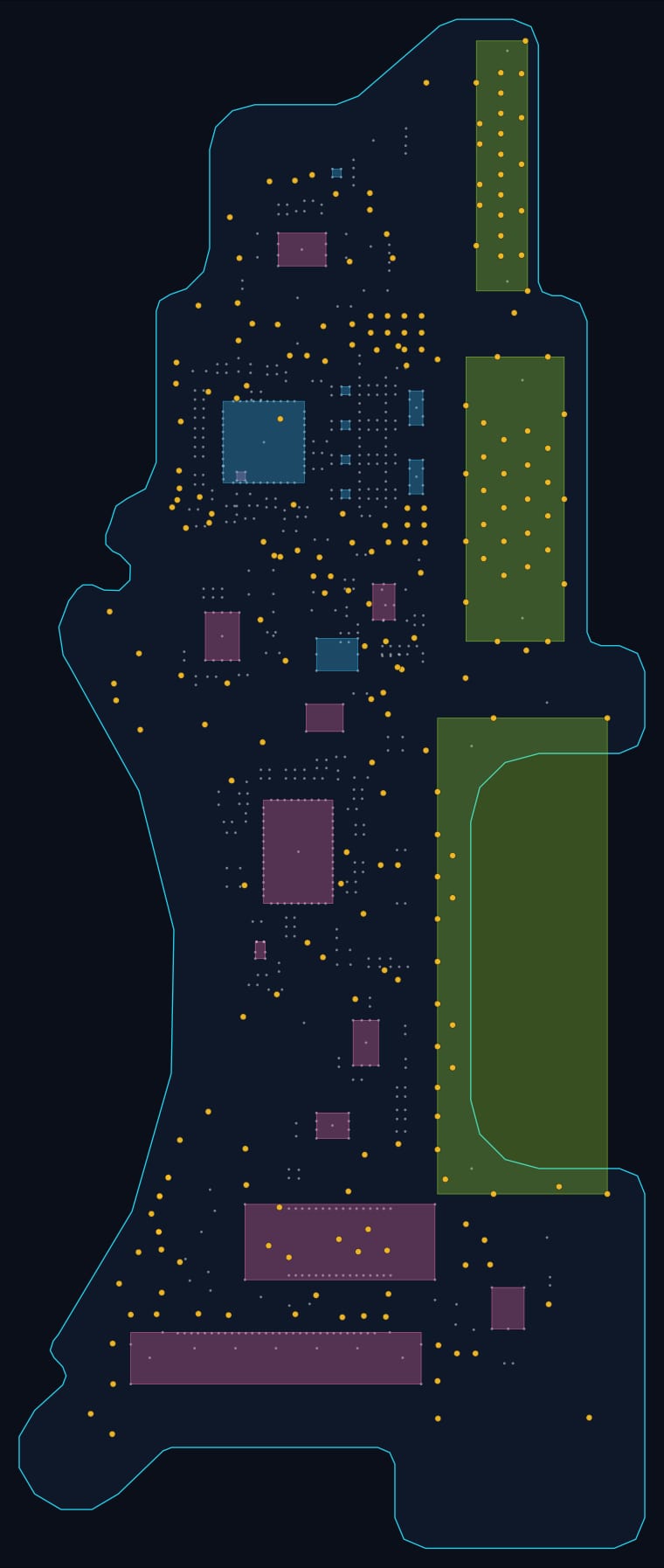 AppleDaughterboard (820-3547)
 DellDell CKA50 CKF50 LA-E992P ( .0) (A00) (BDV)
 DellDell INSPIRON 15-3567 SKL-KBL 15341-1 91N85
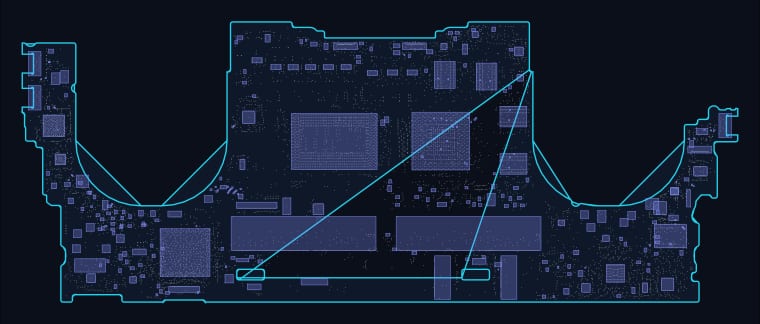 DellDell LA-J191P .0
 DellDell XPS 13 9310 Compal GDA30 LA-J143P .0
 DellDell XPS 13 9370 CAZ60 LA-E671P
 DellDell XPS 15 9570 LA-G341p (CAD) (BDV)
 LaptopGK5MP5X V10 MB (BDV)(.CAD)
 HPHP 15 - LA-H32AP .0
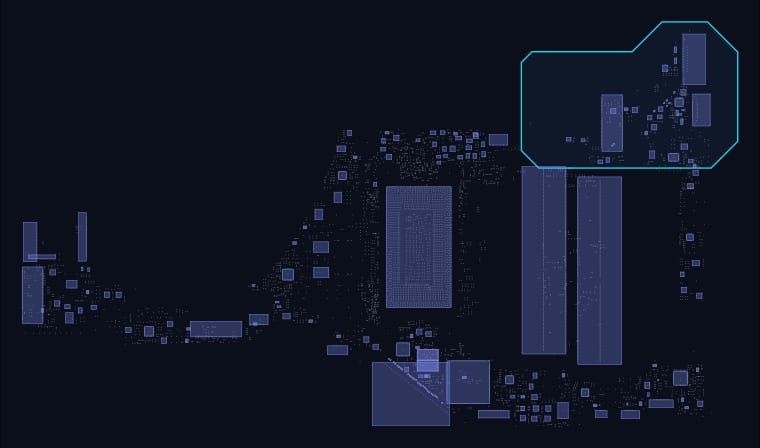 HPHP 15 0P5H DA0P5HMB8E0
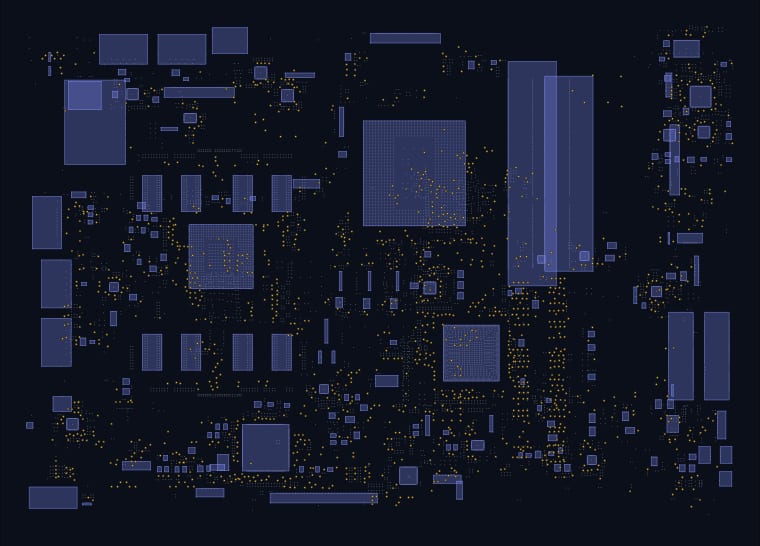 HPHP ENVY TouchSmart 15
 HPHP ENVY TouchSmart 15
 HPHP Laptop Mainboard DA0ZAWMB8C0
 HPHP Presario G42 / G56 / G62
 HPHP Presario G42 / G56 / G62
 HPHP Spectre x360
 LaptopLA-F541P
 LaptopLA-J801P Mainboard
 LaptopLAF551PR10-0221
 LaptopLAJ102PR10-0504
 LenovoLenovo IdeaPad
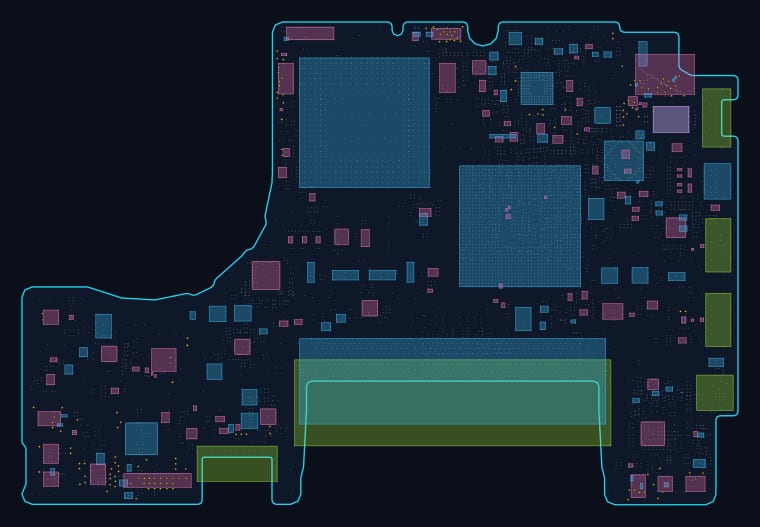 LenovoLenovo LB 820-2877 (820-2877)
 LenovoLenovo Yoga
 AppleMacBook (820-2936)
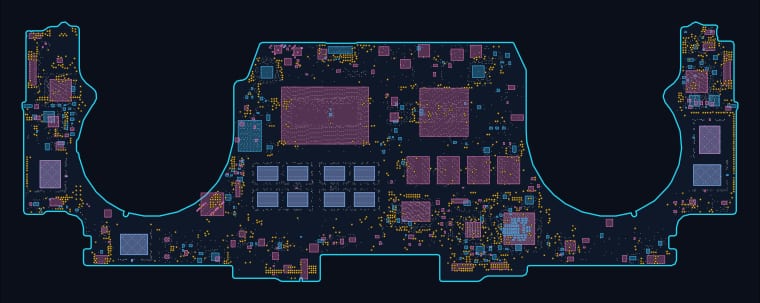 AppleMacBook A2338 (820-01814)
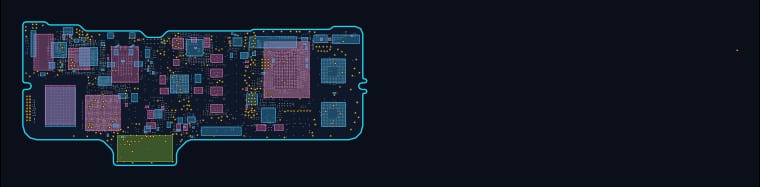 AppleMacBook Air 11-inch A1534 (2015–2017) (820-00244)
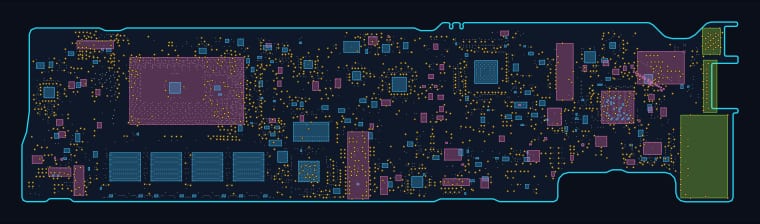 AppleMacBook Air 13-inch A1466 (2015–2017) (820-00165)
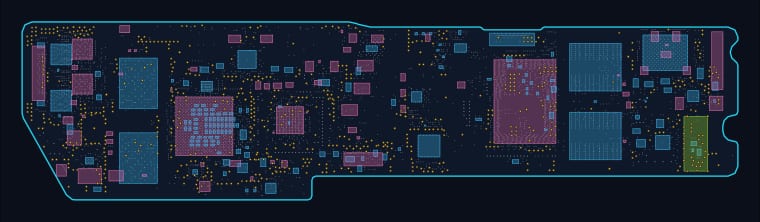 AppleMacBook Air 13-inch Retina A2179 (2018–2020) (820-01958)
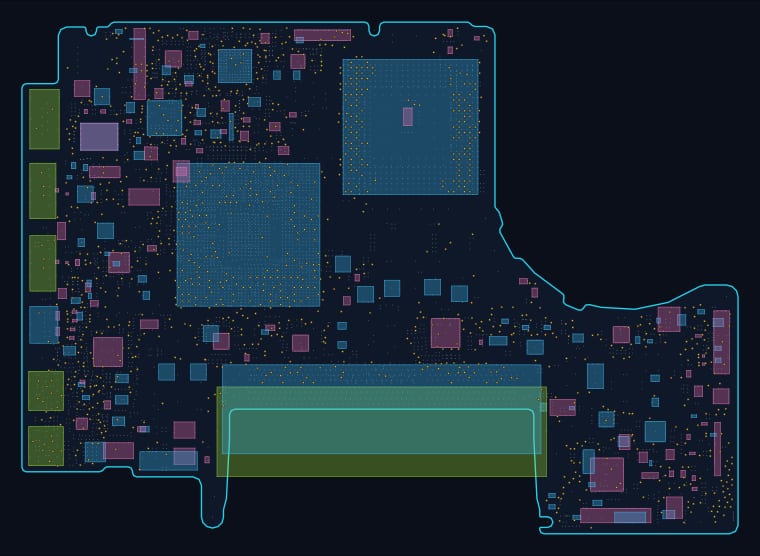 AppleMacBook Pro 13-inch A1278 (2009–2012) (820-2327)
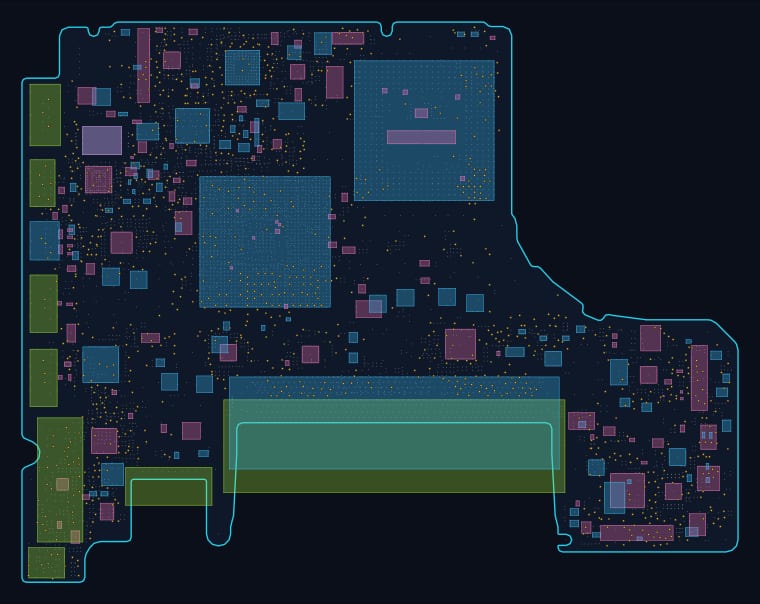 AppleMacBook Pro 13-inch A1278 (2009–2012) (820-2879)
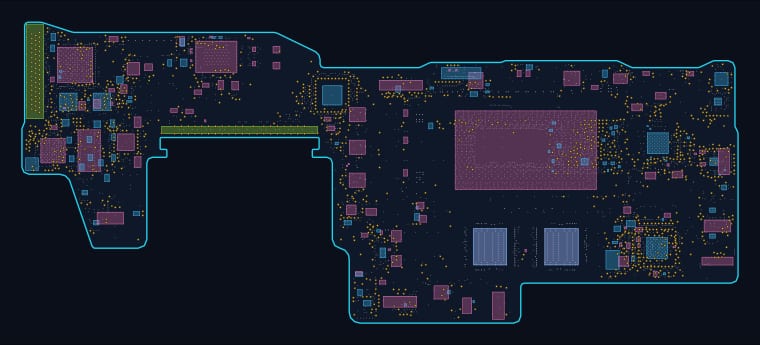 AppleMacBook Pro 13-inch A1932 (2018–2019) (820-00840)
 AppleMacBook Pro 13-inch A1989 (2018–2019) (820-00850)
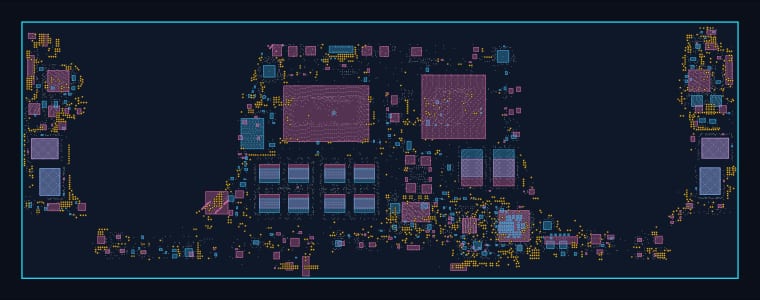 AppleMacBook Pro 13-inch A2141 (2020) (820-01700)
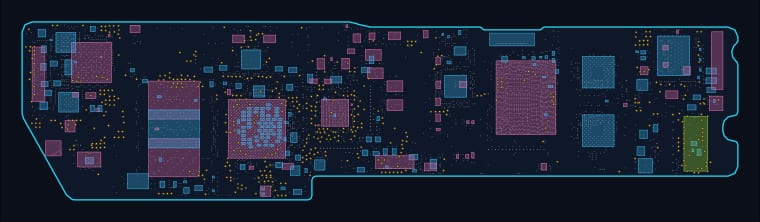 AppleMacBook Pro 13-inch A2252 (2020) (820-01521)
 AppleMacBook Pro 13-inch A2252 (2020) (820-3209)
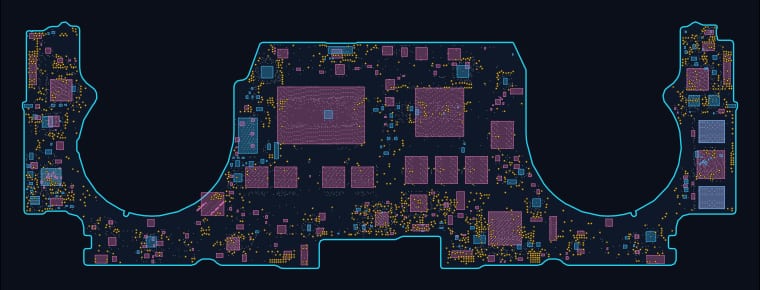 AppleMacBook Pro 13-inch A2337 (2020) (820-00928)
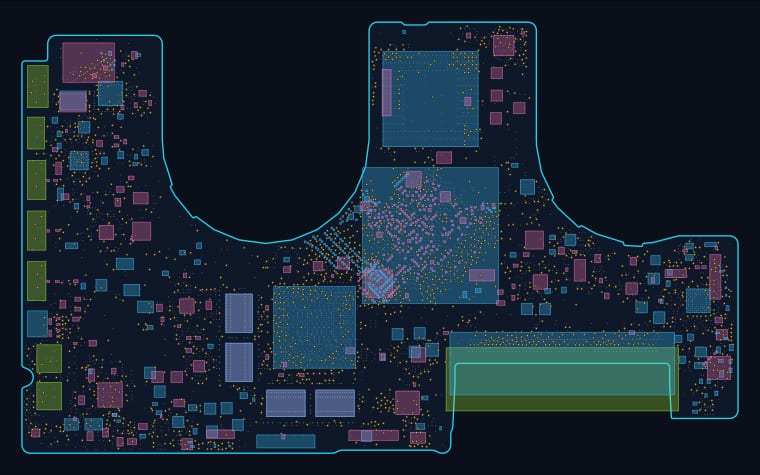 AppleMacBook Pro 13-inch A2337 (2020) (820-2610)
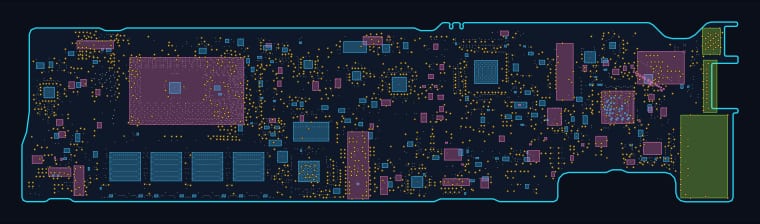 AppleMacBook Pro 13-inch A2337 (2020) (820-3437)
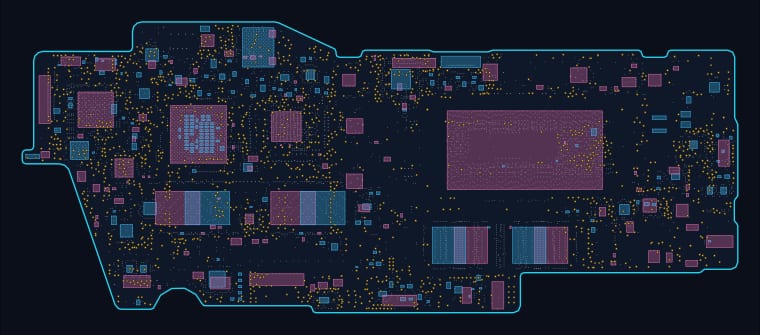 AppleMacBook Pro 13-inch A2485 (2022) (820-01987)
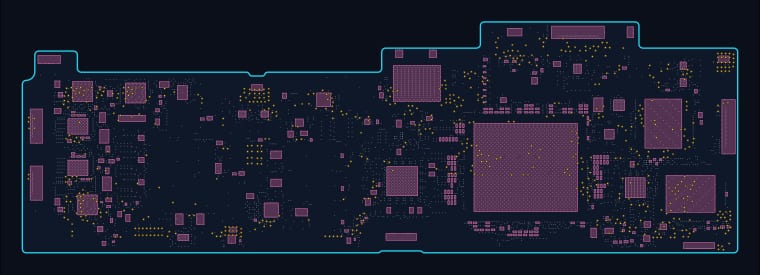 AppleMacBook Pro 13-inch A2485 (2022) (820-02536)
 AppleMacBook Pro 13-inch A2602 (2022) (820-01949)
 AppleMacBook Pro 13-inch Retina A1425 (2012–2015)
 AppleMacBook Pro 13-inch Retina A1502 (2015–2016) (820-3476)
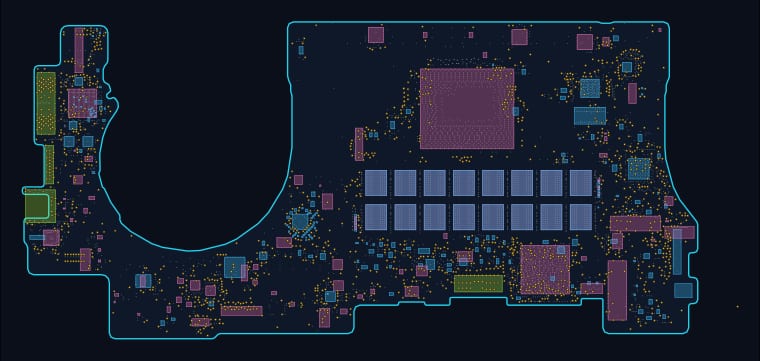 AppleMacBook Pro 13-inch Retina A1502 (2015–2016) (820-3662)
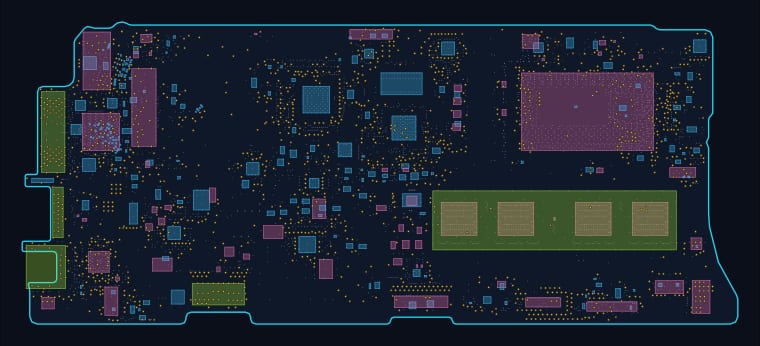 AppleMacBook Pro 13-inch Retina A1502 (2015–2016) (820-4924)
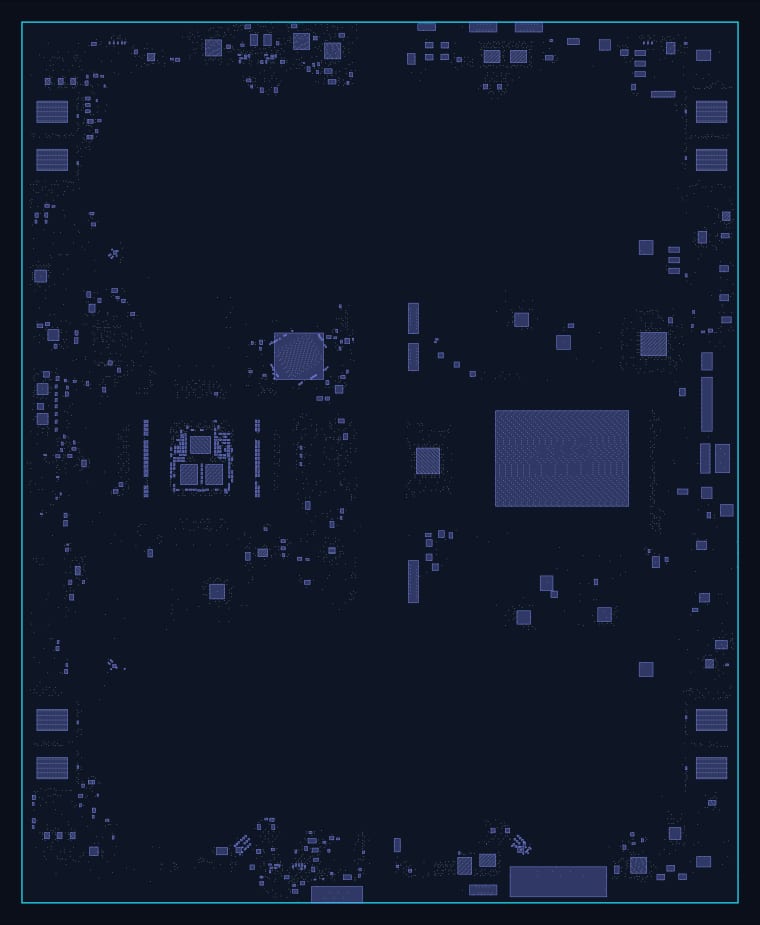 AppleMacBook Pro 14-inch A2941 (2023) (820-02841)
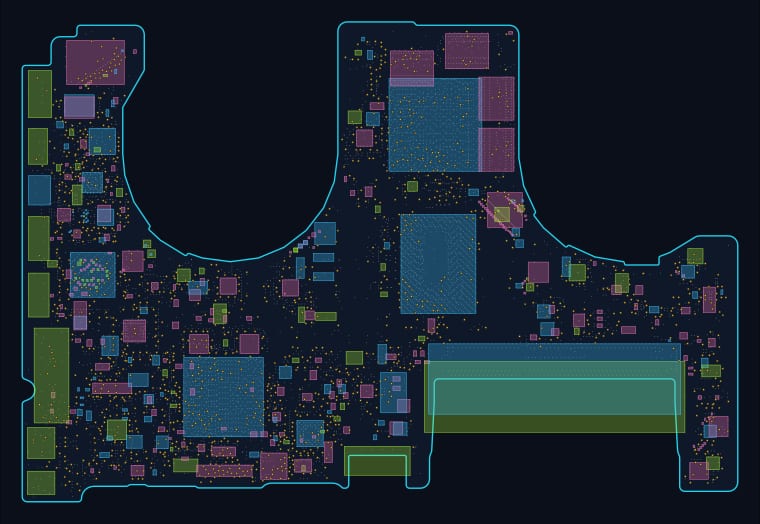
 AppleMacBook Pro 14-inch A3113 (2023) (820-03285)
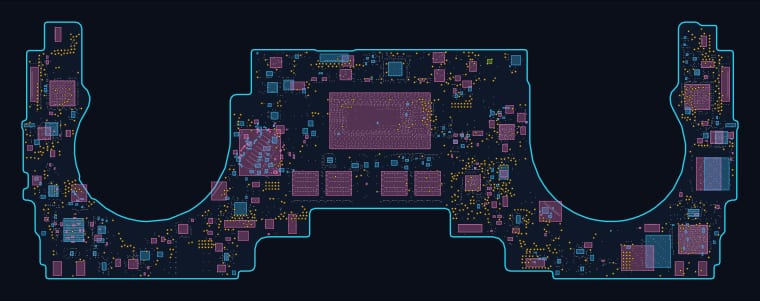
 AppleMacBook Pro 15-inch A1286 (2011–2012) (820-2915)
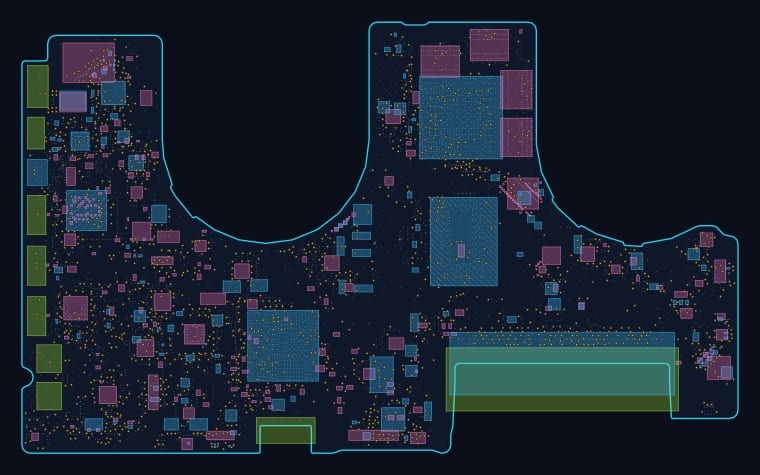
 AppleMacBook Pro 15-inch A1990 (2018–2019) (820-00923)
 AppleMacBook Pro 15-inch Retina A1297 (2012–2013) (820-2914)
 LaptopMS-16R51-1.0
 LaptopV375 10
 LaptopV375 11
 LaptopV375 12
 LaptopV375 20
 LaptopV375 21
 LaptopV375 22
 LaptopV375 30
 LaptopV375 40
 LaptopV375 60
 LaptopV375 70
 LaptopV375 80
 LaptopV379 10
 LaptopV379 20
 LaptopV379 30
 LaptopV379 60
 LaptopV379 70
How to use a boardview and a schematic together
A schematic tells you what a circuit does. A boardview tells you where it is. Diagnosing a laptop that will not charge means using both: the schematic shows you the charge IC and the rails it produces, and the boardview shows you which physical component to put a probe on. Neither one is useful alone, which is why they live on the same page here.
Every map on this site is generated straight from the board file, so the component outlines are the real part bounding boxes recorded by the manufacturer, not a rough redraw. Colours follow the convention boardview software uses everywhere else: cyan for the top side, pink for the bottom, green for through-hole parts, and amber dots for test points and probe points. If you have used BoardViewer or any other boardview tool, this will feel immediately familiar.
What each board page gives you
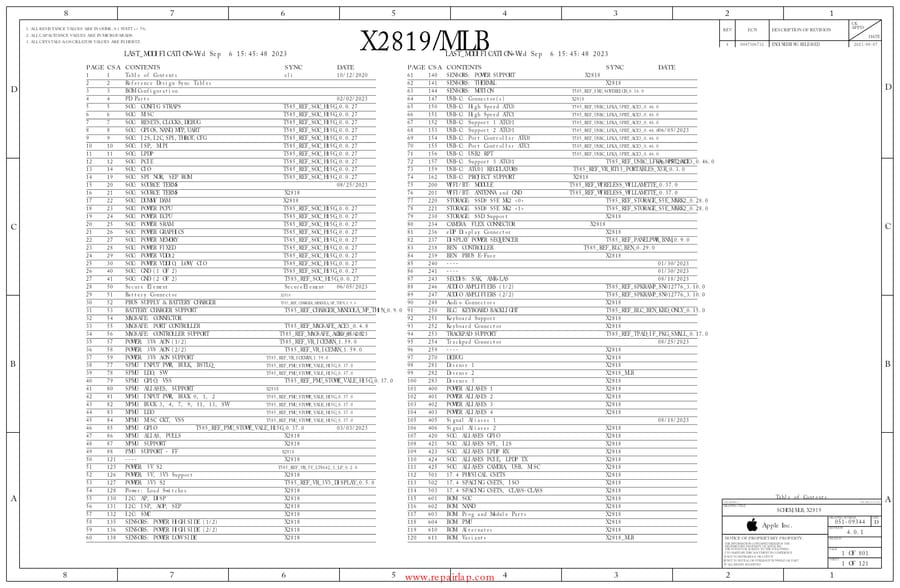
An interactive boardview you can pan and zoom, a component and net search, a top/bottom side filter, the full schematic in a viewer you can zoom and search, and direct downloads of both the original.brd boardview file and the schematic PDF for bench work. Component counts, net counts and pad counts on each page are read from the board file rather than estimated.
Frequently asked
What is a laptop boardview?
A boardview is a map of the logic board showing where every component physically sits, which side of the board it is on, and which net each pad connects to. Technicians use it to physically find a part once the schematic has told them which part is suspect. Schematic and boardview together cover the whole job: the schematic says what the circuit does, the boardview says where it is on the metal.
How do I find a component on a boardview?
Type the designator into the search box on any board page — for example U0500, or a net name such as PPG. The viewer highlights every pad on that net, and clicking a component lists every pad and the net each one belongs to. Use the side filter to isolate the top or the bottom of the board, which is the fastest way to find a component hidden under a shield.
Can I download the boardview and schematic files?
Yes. Every board page links the original .brd boardview file for use in BoardViewer, and the original schematic PDF for offline reading. The interactive viewer on the page is for looking things up quickly; the downloaded files are for working on a bench away from a browser.
Which brands are covered?
This library currently covers Apple (28), Other (22), HP (8), Dell (6), Acer (4), Lenovo (3), Asus (1). The Apple boards are the deepest set — most MacBook models from the A1278 unibody era through the M-series — with full interactive boardviews and schematics.
New to board-level repair?
These files assume you can already read a schematic. If you cannot yet, start with what a board-level repair costs and then read how a MacBook repair is actually scoped. When you are ready to work at the component level, come back here.
Need a board-level repair done for you? We use these exact files at the bench. Bring the machine in or see what it will cost before you decide.